
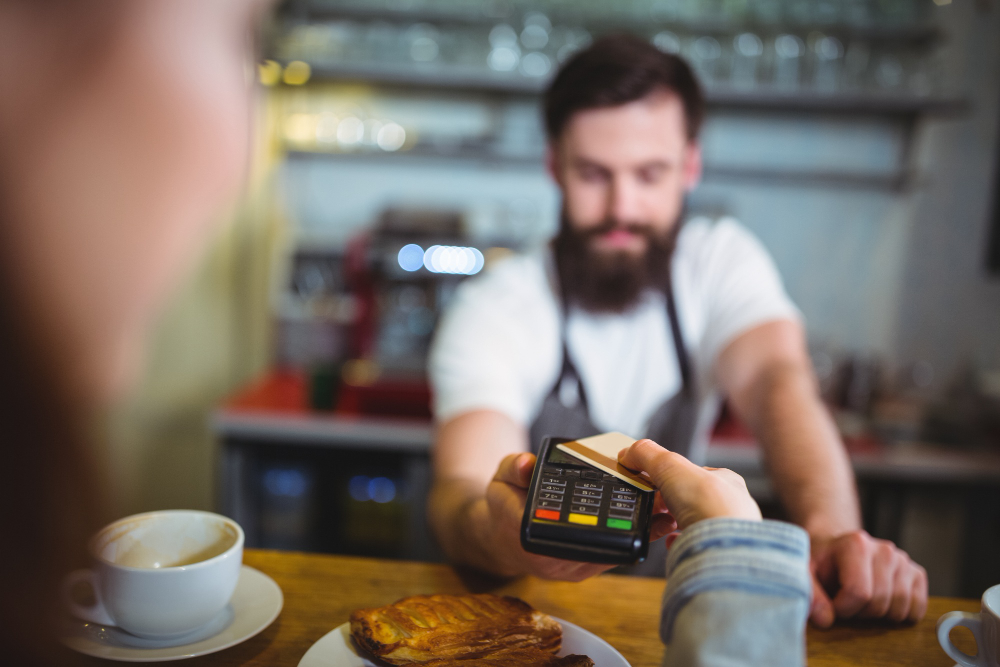
Choosing the right point-of-sale system can have a significant impact on how efficiently a business handles payments, sales, reporting, and everyday operations. Clover POS offers a range of hardware and software options designed for different types of businesses, from small retail stores and restaurants to professional services and mobile operations. Understanding the differences between available Clover solutions can help business owners choose a setup that fits the way their business actually operates.
One of the first things to consider is where and how you accept payments. Businesses with a fixed checkout area may benefit from a countertop POS system that provides a dedicated station for processing transactions and managing sales. Restaurants, retail locations, and other businesses with a consistent point of sale may prefer a setup that remains in one location and gives employees easy access to the tools they need throughout the day.
For businesses that need more flexibility, a portable or handheld Clover device may be a better fit. Mobile POS solutions allow employees to take payments directly to customers rather than requiring everyone to return to a fixed checkout station. This can be useful for restaurants, service businesses, events, markets, and other operations where payments may happen in different areas. The ability to accept payments wherever the customer is can also help create a more convenient experience.
Business size and transaction volume should also be considered when selecting a Clover POS system. A smaller business with straightforward payment needs may not require the same hardware or features as a growing business with multiple employees, locations, or sales channels. Before choosing a system, consider how many transactions you process, how many employees will use the POS, and whether your business expects those requirements to change over time.
The software and features available through a POS system are just as important as the hardware. Depending on your business, useful capabilities may include inventory management, employee management, reporting, invoicing, customer information, loyalty programs, and integrated payment processing. Restaurants may have different needs from retailers or professional service businesses, so it is important to focus on the features that support your specific workflows rather than choosing a system based only on its hardware.
Integration is another factor worth considering. A POS system may need to work alongside accounting software, inventory tools, online stores, scheduling platforms, or other business applications. When these systems work together, businesses can reduce duplicate data entry and gain a clearer view of their operations. If you plan to add locations, employees, or online sales in the future, choosing technology that can adapt to those changes can help avoid another major system transition later.
Cost should also be evaluated beyond the initial price of the hardware. Businesses should consider payment processing costs, software or service fees, additional equipment, integrations, support, and the potential cost of expanding the system as the business grows. The most affordable option upfront is not always the most cost-effective solution over time. A better approach is to compare the complete cost against the features, convenience, support, and operational value the system provides.
Ultimately, the right Clover POS system depends on how your business operates and what you need the technology to accomplish. A restaurant may prioritize mobility and tableside payments, while a retail store may focus more heavily on inventory and checkout management. A professional service business may place greater value on invoicing, customer management, and flexible payment options. At Preserve Payments, we help businesses evaluate their payment and POS needs based on their workflows, goals, and future plans, with Clover POS solutions designed to make accepting payments and managing everyday operations more efficient.